
84
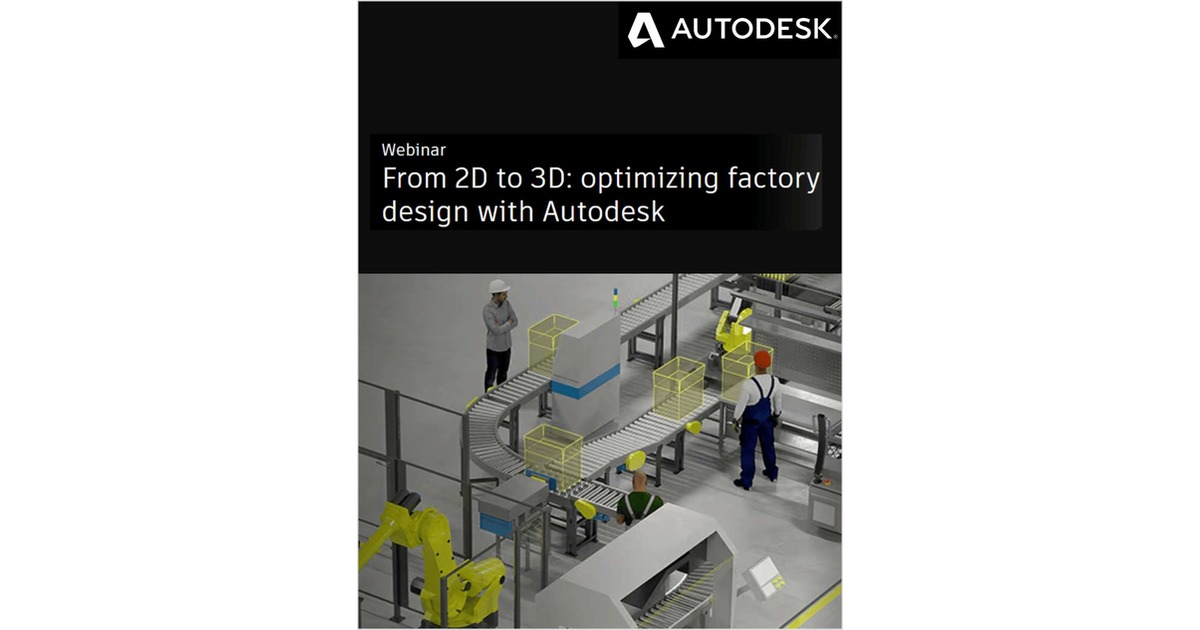
Discover how FlexSim can help you turn a 2D layout into a 3D factory simulation model.
Would you like to bring that AutoCAD drawing to life and see how your factory would perform when it’s operational? In the latest webinar in our Digital Factory series, we’ll show you how Autodesk products can help you get from a 2D layout to a 3D factory simulation model, and how this capability enables you to test different scenarios and optimize your system.
In this webinar, you’ll learn:
- A simple workflow to start with an AutoCAD layout and develop a 3D factory simulation model.
- How to model and analyze production steps and material flow using FlexSim.
- Ways to test different layouts and operational scenarios to optimize your factory design.
Offered Free by: Autodesk, Inc.
See All Resources from: Autodesk, Inc.